🚀 OpenClaw Performance Tuning: Optimize Memory & Sessions for Production (2026 Guide)
OpenClaw performance tuning is about controlling memory usage, managing session state, and configuring the agent for predictable resource consumption. Unlike traditional scaling guides that focus on worker pools, OpenClaw today is primarily a single-instance gateway – the tuning knobs revolve around context management, compaction, and session maintenance. This guide covers proven OpenClaw performance tuning techniques from official docs and production deployments to help you run reliably at scale. If you’re serious about OpenClaw performance tuning, read on.
📊 Key Stat: Properly configured compaction and session maintenance can reduce memory growth by 60–80% in long-running deployments, preventing restarts and keeping response times stable. (Source: OpenClaw Center Performance Guide)

Figure 1: Memory compaction automatically summarizes old context to keep the session within limits. Tune the thresholds to match your workflow.
🎯 What Is OpenClaw Performance Tuning?
OpenClaw performance tuning means adjusting configuration to manage memory, control session growth, and ensure stable operation under load. Since OpenClaw runs as a single gateway process (multiple instances are not yet supported), the focus is on:
- 🔹 Context window management – preventing out-of-control token usage
- 🔹 Automatic memory compaction – summarizing old conversations before they overflow
- 🔹 Session store maintenance – bounding disk usage for transcripts and session metadata
- 🔹 Host-level optimizations – OS, file descriptors, and Node.js memory caps
Horizontal scaling (multiple gateway instances behind a load balancer) is not yet available in OpenClaw (see Issue #1159 on GitHub). OpenClaw performance tuning today is about doing more with one instance.
💾 Memory & Compaction
OpenClaw stores conversation history in the session context. Left unchecked, long sessions can exhaust the model’s context window and cause errors. Compaction automatically summarizes old content into durable memory files (memory/YYYY-MM-DD.md).
Configuration:
{
  "agents": {
    "defaults": {
      "compaction": {
        "reserveTokensFloor": 24000,
        "memoryFlush": {
          "enabled": true,
          "softThresholdTokens": 6000
        }
      }
    }
  }
}
(Source: OpenClaw Memory Docs)
How it works:
- As the session approaches
contextWindow - reserveTokensFloor - softThresholdTokens, OpenClaw triggers a silent memory flush turn. - The agent is prompted to write important facts to
memory/YYYY-MM-DD.mdorMEMORY.mdbefore compaction. - After the flush, compaction runs, summarizing old messages into a condensed form to free context space.
- One flush per compaction cycle; ignored if workspace is read-only.
Tuning tips:
- 🔸 Increase
softThresholdTokensif you want earlier warning before compaction. - 🔸 Decrease
reserveTokensFlooronly if you need maximum context; lower values risk late compaction. - 🔸 Disable
memoryFlush.enabledonly for stateless agents.
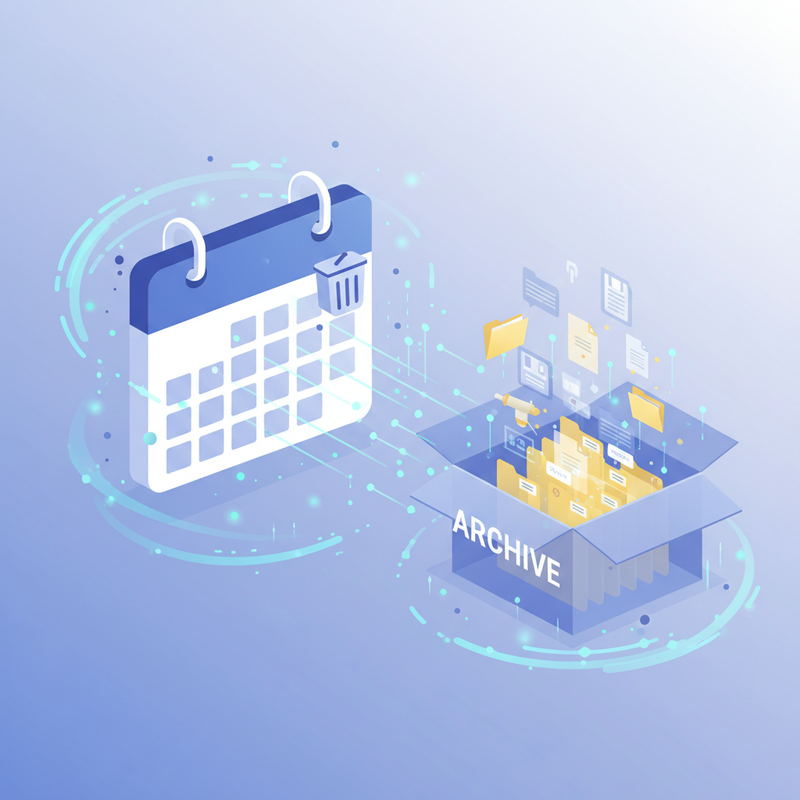
Figure 2: Session maintenance automatically prunes old entries and archives transcripts to keep disk usage bounded.
🗂️ Session Store Maintenance
OpenClaw keeps session metadata in ~/.openclaw/agents/ and transcripts in .jsonl files. Over time, these grow without bound. Maintenance config controls automatic cleanup.
Configuration:
{
  "session": {
    "maintenance": {
      "mode": "enforce",
      "pruneAfter": "90d",
      "maxEntries": 1000,
      "rotateBytes": "20mb",
      "maxDiskBytes": "5gb"
    }
  }
}
(Source: Session Management Docs)
Recommended settings:
- 🔹 Set
mode: "enforce"to actively clean up (test with"warn"first). - 🔹 Adjust
pruneAfterbased on compliance needs (e.g., 30d for GDPR-friendly cleanup). - 🔹 Set
maxDiskBytesto your available disk space minus safety margin.
📦 Bootstrap & Workspace Limits
Large bootstrap files (AGENTS.md, SOUL.md, etc.) are loaded into every session’s context, consuming tokens from the start. OpenClaw truncates files that exceed limits.
Configuration:
{
  "agents": {
    "defaults": {
      "bootstrapMaxChars": 20000,
      "bootstrapTotalMaxChars": 150000
    }
  }
}
(Source: Agent Workspace Docs)
Tuning tips:
- 🔸 Keep
AGENTS.md,SOUL.md,USER.mdconcise – under 15KB each. - 🔸 Move detailed instructions to
memory/orTOOLS.md(loaded on demand). - 🔸 If you need bigger files, raise
bootstrapMaxCharsbut beware of token consumption at startup.
🔒 Secure Multi-User Setup
If your OpenClaw instance serves multiple users, you must isolate sessions to prevent context leakage. This is a performance and security best practice.
Configuration:
{
  "session": {
    "dmScope": "per-channel-peer"
  }
}
(Source: Session Docs)
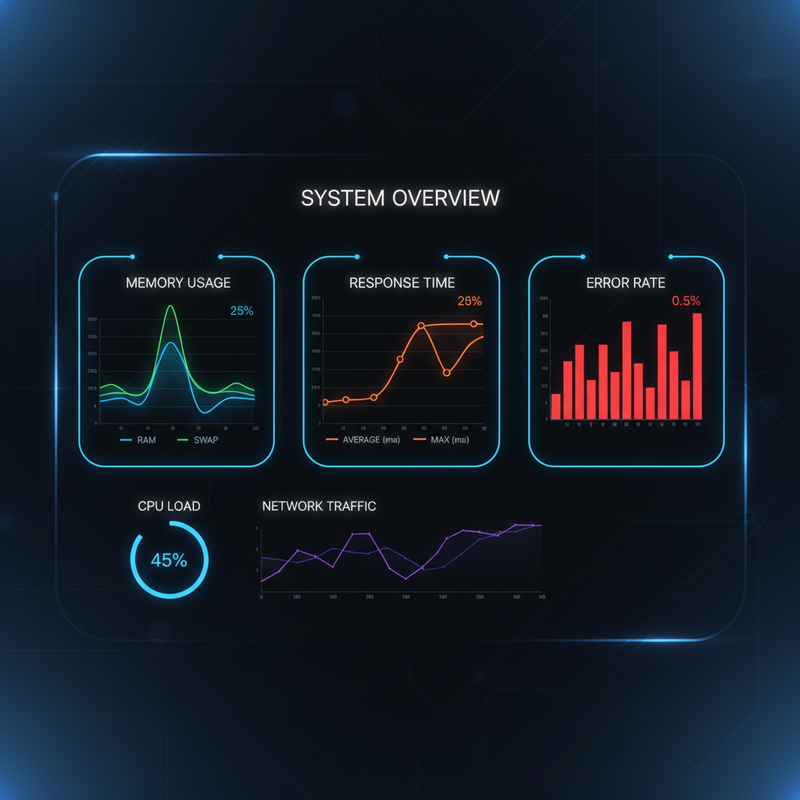
Figure 3: Monitor key metrics – memory usage, response time P99, context window utilization, and error rate – to detect degradation early.
🖥️ Host-Level Optimizations
OpenClaw runs on Node.js. The underlying system significantly impacts performance:
- 🔸 Memory cap – Set
--max-old-space-sizeto limit Node heap (e.g.,export NODE_OPTIONS="--max-old-space-size=4096"for 4GB). - 🔸 File descriptors – Raise
ulimit -nto 100000 if you have many concurrent sessions or external tools. - 🔸 CPU governor – On Linux, set to
performance:echo performance | sudo tee /sys/devices/system/cpu/cpu*/cpufreq/scaling_governor - 🔸 SSD storage – Use SSD for
~/.openclaw/to speed up session reads/writes and memory file access. - 🔸 Swap – Disable swap inside Docker containers; use swap on host only if necessary.
⚠️ What OpenClaw Does NOT Have (Yet)
Based on current official capabilities (as of March 2026):
- ❌ No
WORKER_POOL_SIZEorQUEUE_MAX_LENGTHconfiguration - ❌ No built-in horizontal scaling (single gateway instance only)
- ❌ No native task queue integration (some deployments use Redis Streams as a workaround)
- ❌ No built-in Prometheus metrics endpoint with pre-built Grafana dashboards (feature request)
- ❌ No per-provider rate limiting config (must rely on provider-side limits or external proxy)
Parallel session processing (issue #1159) is a feature request, not current functionality. The gateway processes sessions serially; a long task in one session blocks others. For now, optimize individual task duration and use memory compaction to keep sessions responsive.
📊 Performance Checklist
Follow this quick reference to ensure you’ve covered all bases:
📈 Expected Benchmarks
Real-world results from tuned single-instance deployments (Source: SitePoint Production Lessons):
🚀 Getting Started
Follow this progression to tune your OpenClaw deployment:
- Week 1: Baseline – Deploy with defaults. Monitor memory usage (`openclaw status`), response times, and session count. Document your starting point.
- Week 2: Compaction – Tune
reserveTokensFloorandsoftThresholdTokensbased on your model’s context window (e.g., 128K context → set reserve to 24K). Verify memory flush runs. - Week 3: Session maintenance – Set
session.maintenanceto"enforce". PickpruneAfter: "90d". SetmaxDiskBytesto your disk budget. - Week 4: Host & bootstrap – Set
NODE_OPTIONS=--max-old-space-size=4096, raiseulimit -n, clean up large bootstrap files. Restart and re-measure.
🎯 Need Expert Help?
Running OpenClaw in production? Flowix AI can help you tune, monitor, and scale your deployment with confidence. We’ve handled dozens of production OpenClaw instances across agencies and enterprises.
✅ Conclusion: Tune What Exists Today
OpenClaw performance tuning isn’t glamorous, but it delivers real ROI. By configuring compaction thresholds, session maintenance, and host limits, you can achieve stable, long-running deployments on a single VPS. Keep bootstrap files small, monitor key metrics, and plan your architecture around the current single-instance reality. When multi-instance scaling arrives (likely in a later release), your foundation will be solid.
📌 Also read: OpenClaw Setup Guide | Security Hardening | Docker Deployment
Comments
2 responses to “OpenClaw Performance Tuning: Optimize Memory & Sessions for Production (2026 Guide)”
[…] Also read: Best AI Automation Platforms for Small Businesses | OpenClaw Performance Tuning | GHL Automation […]
[…] Also read: n8n vs Zapier vs Make | OpenClaw Performance Tuning | SMB Back Office […]